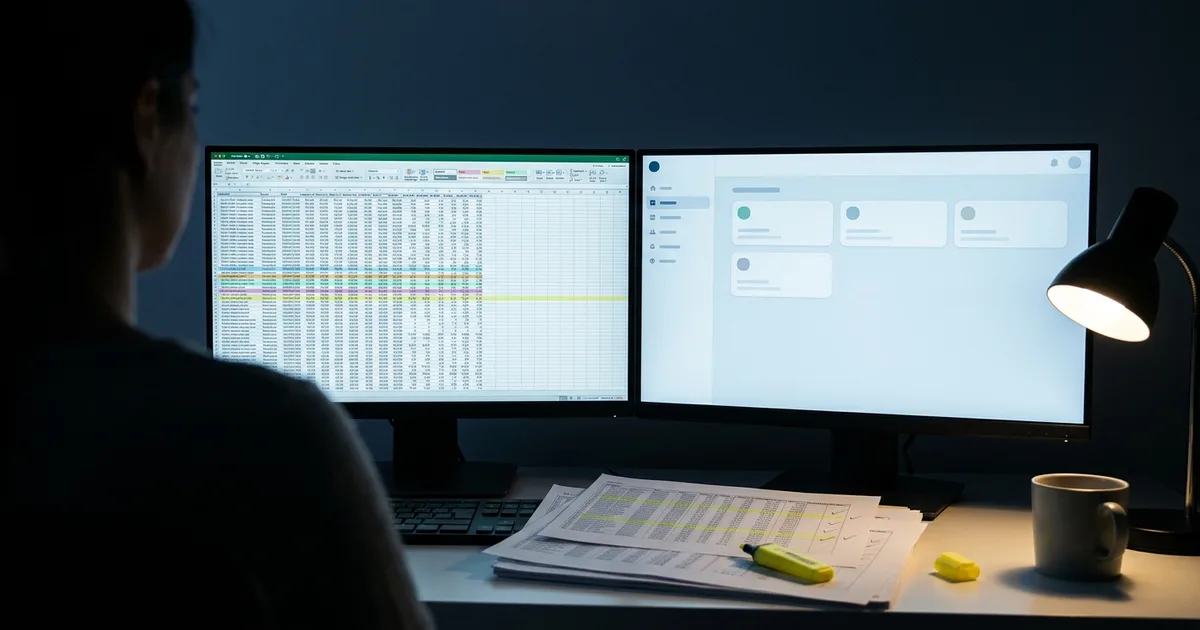
Spreadsheets cost your business in three ways: hours spent copying data, mistakes from working in the wrong version, and dependence on the one person who understands the file. None of that shows up on an invoice, which is why it is easy to ignore.
Most businesses start on spreadsheets for good reason. They are free, flexible and everyone knows them. The trouble starts when a file built for one person becomes the system the whole team runs on.
Here is how to put a real number on it.
What are spreadsheets really costing you?
The cost hides in three places. Most businesses have all three.
Time. Someone copies orders from email into a sheet. Someone else copies the sheet into invoices. Every handoff is a person retyping data a computer already has.
Errors. A wrong cell, a formula dragged one row too far, two people saving different copies. Small mistakes become a missed order, a wrong invoice or a double-booked job.
The one-person risk. Every spreadsheet business has someone who “knows how the sheet works.” When they are sick, on vacation or gone for good, the process slows or stops.
Access. Anyone with the file sees everything in it: customer details, prices, sometimes pay rates. There is no easy way to give one person one tab, and no record of who changed what. When a number is wrong, nobody can say when it changed or why.
How do you put a number on it?
Use a simple formula. You only need three numbers.
Weekly hours on spreadsheet work × hourly labor cost × 52 = yearly cost
Count only the hours spent copying, checking, fixing and hunting for the right file. Not the real work.
Here is an example with round numbers. Three people each spend four hours a week on spreadsheet admin, and their time costs the business $30 an hour, including taxes and benefits.
| Step | Math | Result |
|---|---|---|
| Weekly hours | 3 people × 4 hours | 12 hours |
| Weekly cost | 12 hours × $30 | $360 |
| Yearly cost | $360 × 52 | $18,720 |
That is before a single error. Add the cost of one wrong invoice or one lost order, and the real number is higher.
Run your own numbers. Then compare the yearly total to a quote for software that does the same job. That comparison is your answer, and what drives the cost of a custom web app explains what goes into that quote.
When is a spreadsheet still the right tool?
Sometimes a spreadsheet is the right call. Be honest about which side you are on.
Keep the spreadsheet when:
- One person uses it
- The data changes rarely
- Nothing important depends on it being right today
- You use it for analysis, not to run daily work
Replace it when:
- Several people edit it every day
- Data gets copied from it into other tools
- Mistakes reach customers or cost money
- Customers or staff need their own access to part of it
If you checked two or more in the second list, the spreadsheet has become your software. It is just not very good software.
What does replacing it with a web app look like?
A web app takes what your spreadsheet already does and puts it on proper screens. Each person logs in and sees only what they need. Data is entered once and flows everywhere it is needed.
Your spreadsheet is the best starting point. The columns show what you track. The tabs show your steps. The color coding and notes show the rules nobody wrote down. That is most of the plan already done.
Your data comes with you. The rows in your current sheets are imported into the new app, cleaned up along the way, so you start with your real customers and history, not a blank screen. Most teams keep the old spreadsheet read-only for a few weeks, just for peace of mind.
Two examples of what this looks like in practice:
- Quotes and invoices. Instead of copying a quote sheet into an invoice template, a contractor builds a quote from saved jobs, the client signs online and the accepted quote becomes an invoice. Try it in the simpleWhirks Proposals prototype.
- Rentals and repairs. Instead of a sheet of tenants, rents and repair requests, a manager tracks everything in one place and tenants report problems from their phones. That is the Hearthline prototype on the same page.
You do not have to replace everything at once. Start with the sheet that costs the most hours. A clickable prototype lets you try the new screens before anything is built. When you are ready to build, the web app launch checklist covers what to have in place.
Not sure which chore to hand off first? Start with the eight business tasks small companies should stop doing by hand.
If your current system is older software rather than a spreadsheet, read whether to rebuild or modernize old software instead.
If you already moved off spreadsheets and now juggle several apps that never quite fit, check the five signs you’ve outgrown off-the-shelf software.
Next step: find out what your spreadsheet costs
Run the formula with your own numbers. If the yearly total surprises you, send me the number and a short description of the spreadsheet. I’ll tell you what replacing it would involve.