Prototypes

Click through the app
before it's built.

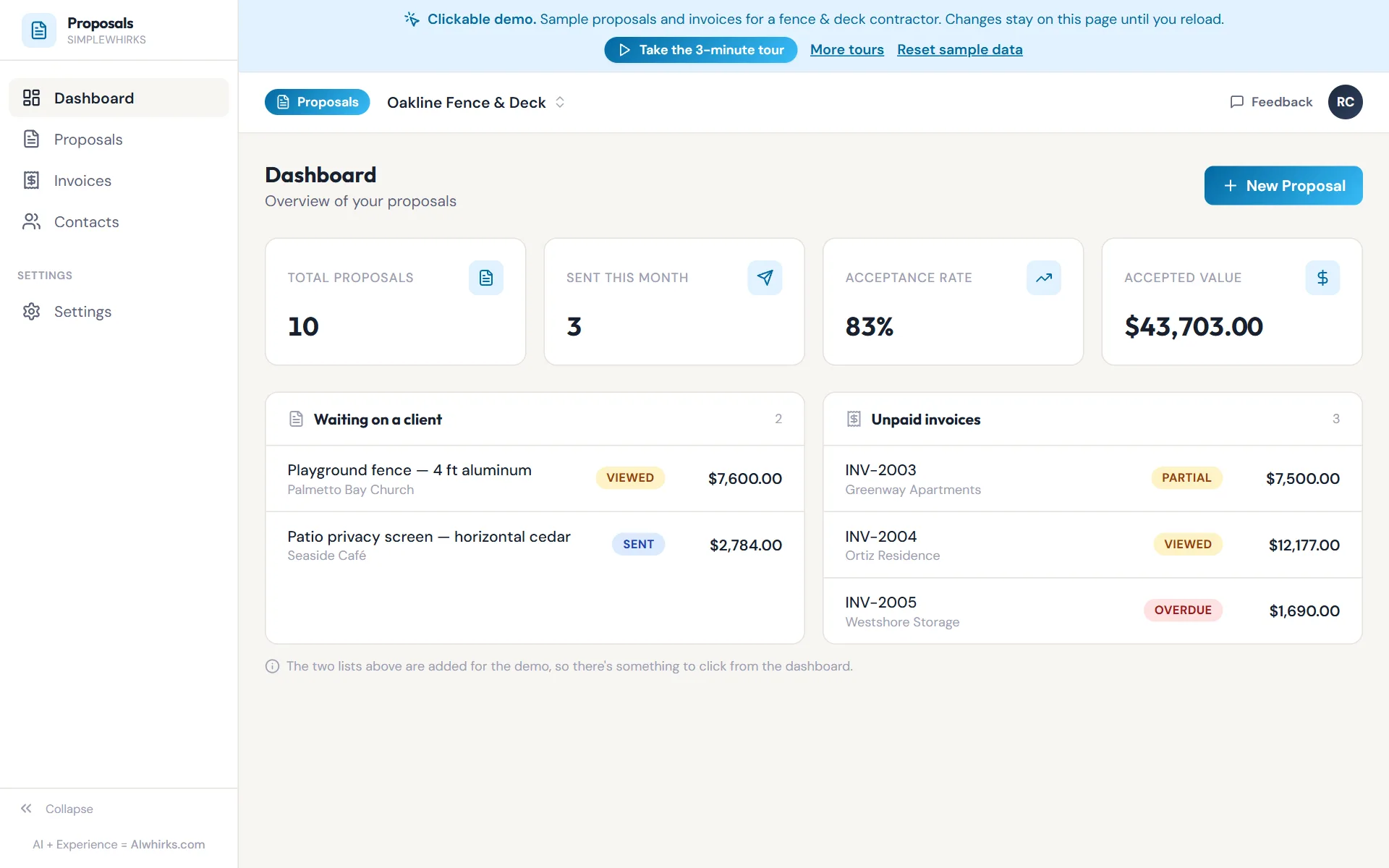
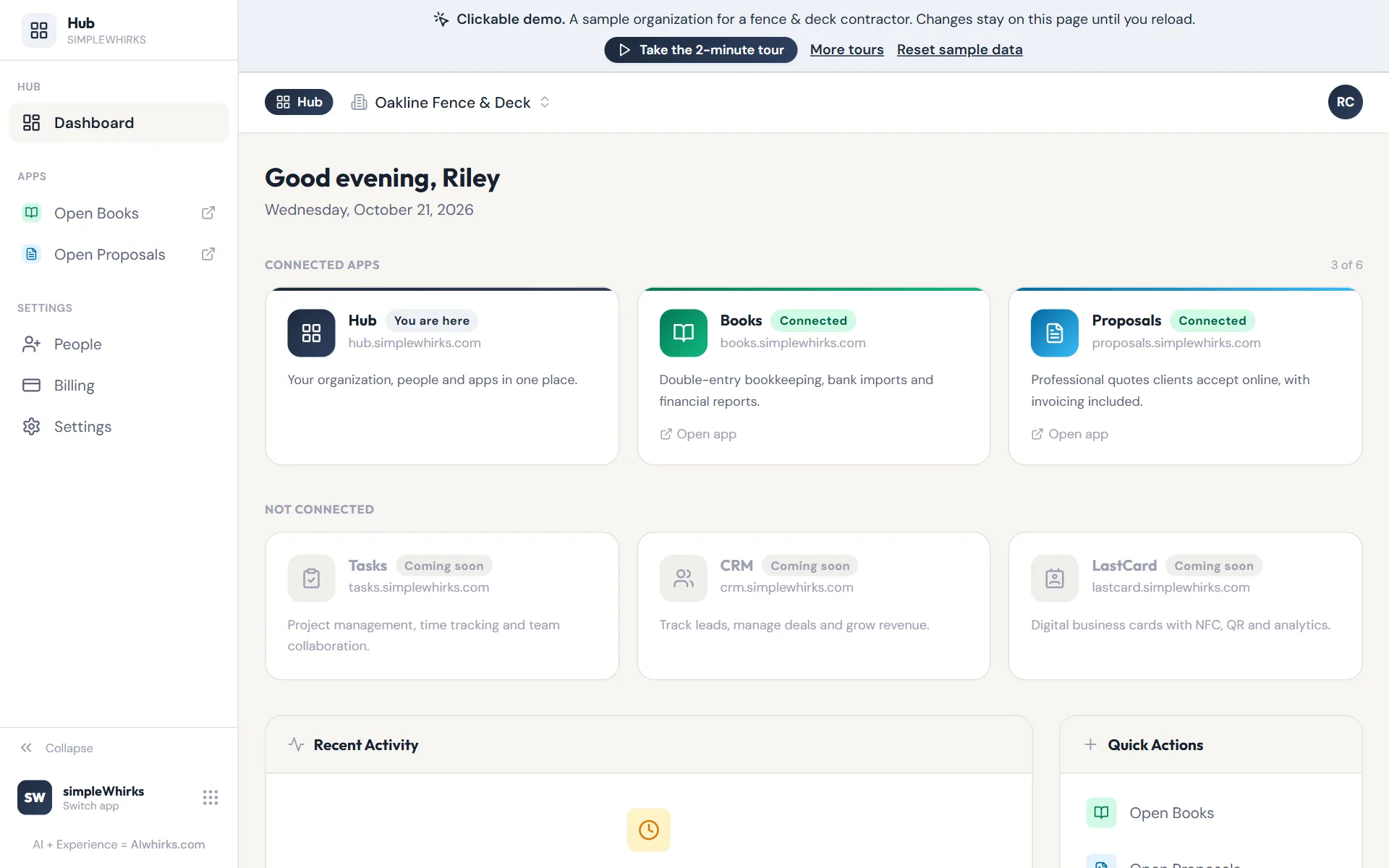
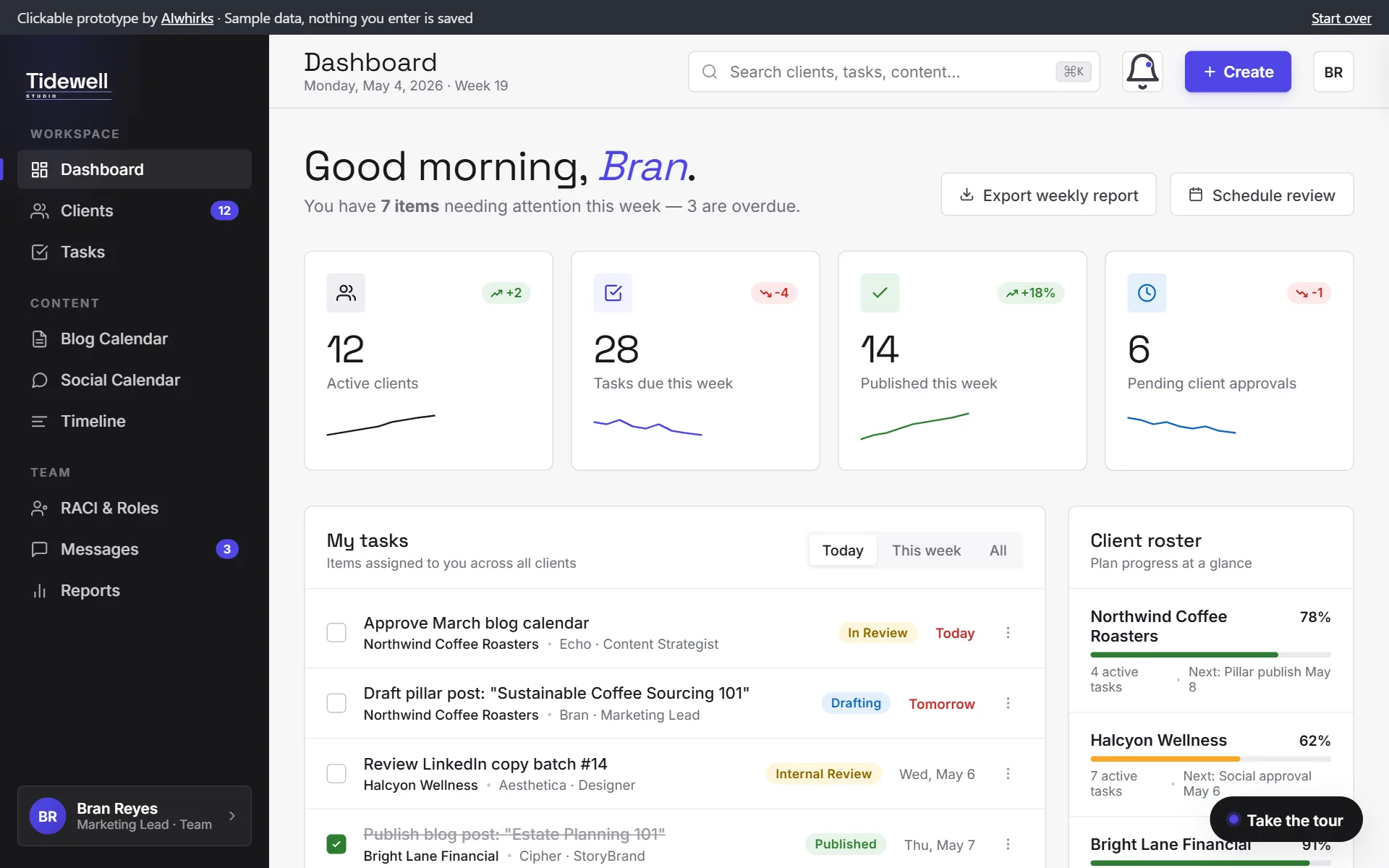
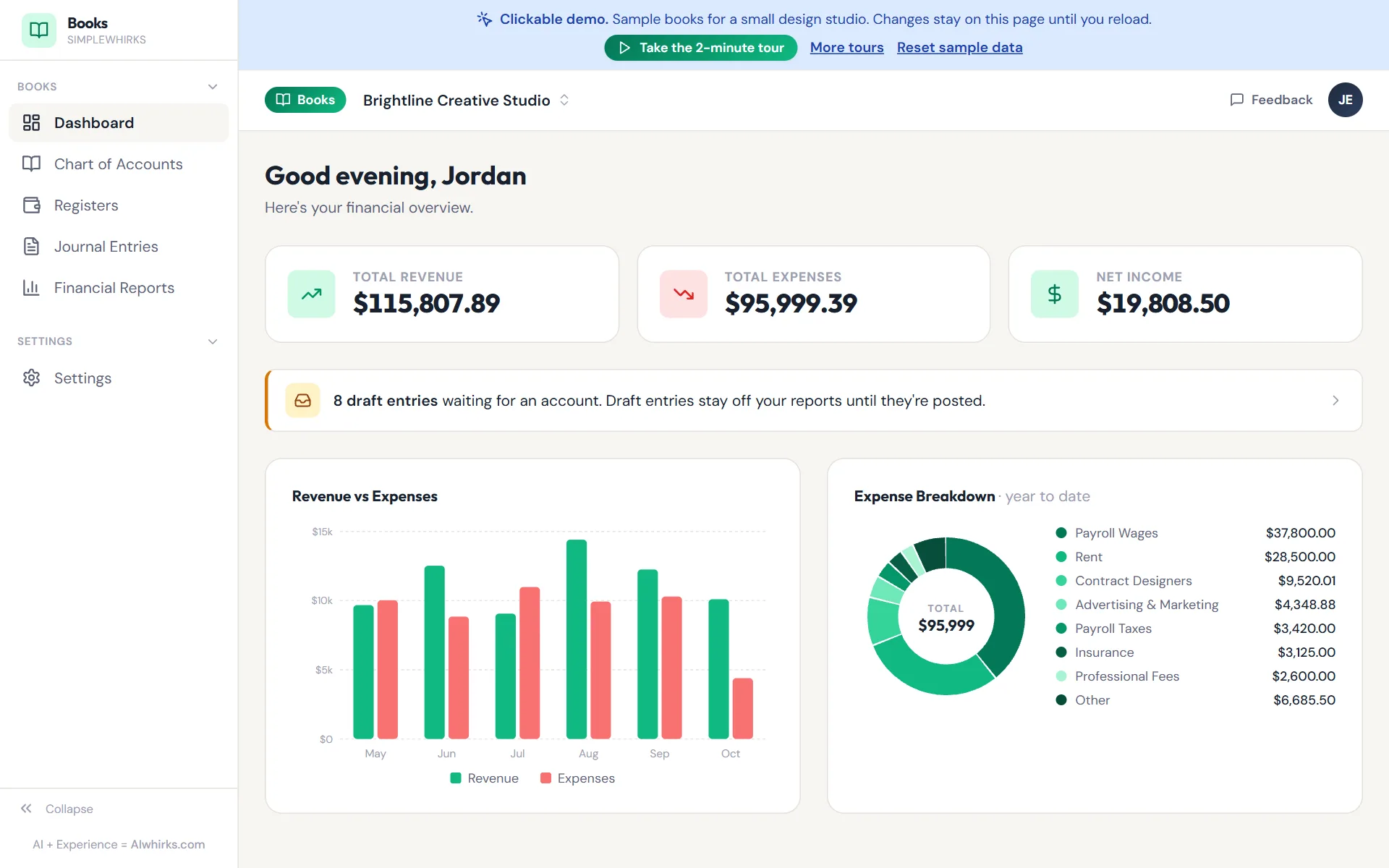
Every build starts as a working prototype you can tap through on your phone. These are real examples filled with sample data. Pick a role, sign in with one click, and use it the way your customers or your team would.

  • Hoursto build a demo like these
  • Minutesto change it after you click through

Don't like a screen? Say so, and you'll see the new version the same day, not at the next sprint review.

Membership portal Sports club 16 screens

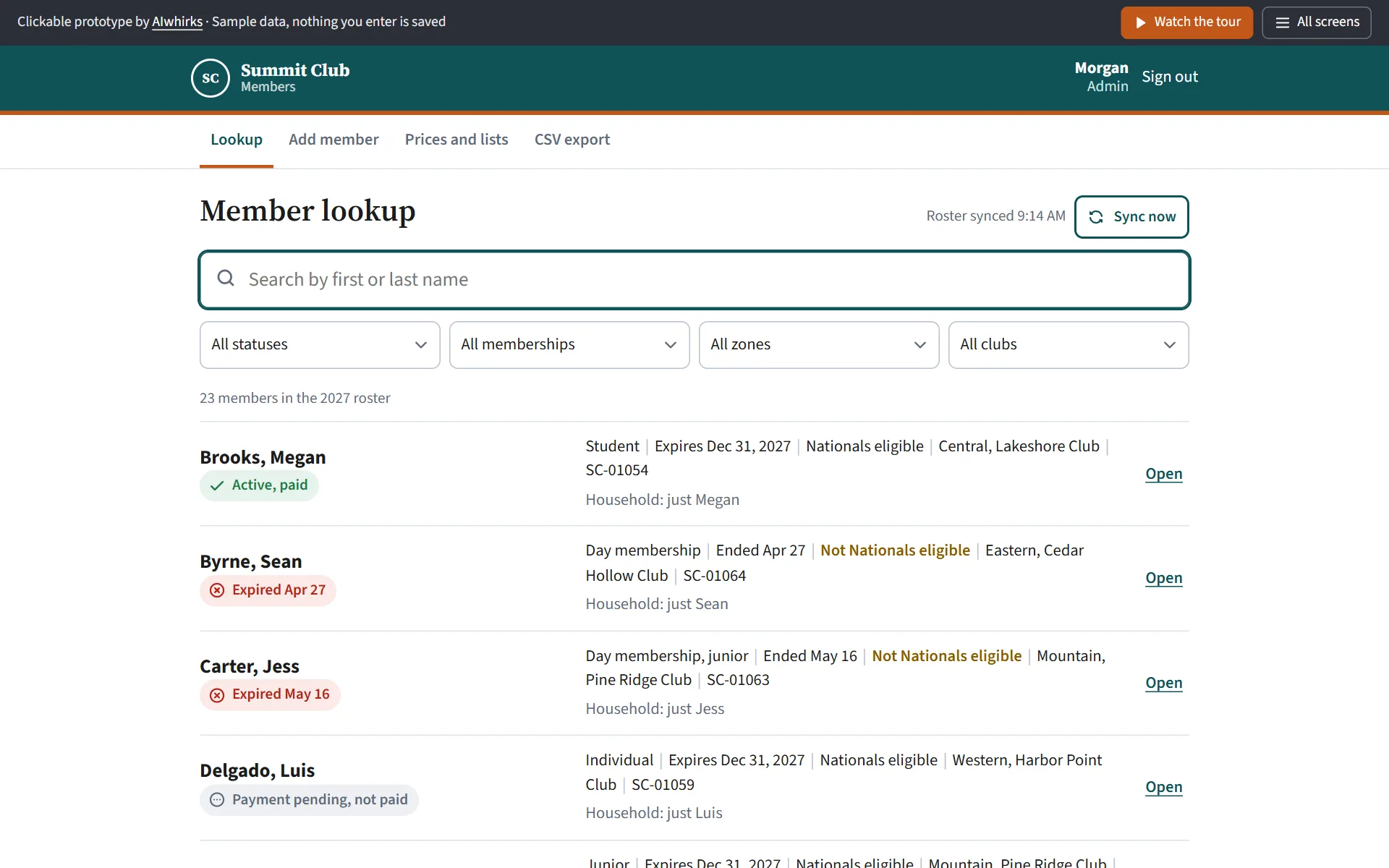
Summit Club Members

Families join, renew, and carry their member cards on their phones. Admins and zone leaders look up members, set prices, and export the roster.

Sign in as
  • Parent Household and member cards
  • Club admin Lookup, prices, CSV export
  • Zone leader Members in their zone
Rental management app Property manager 15 screens

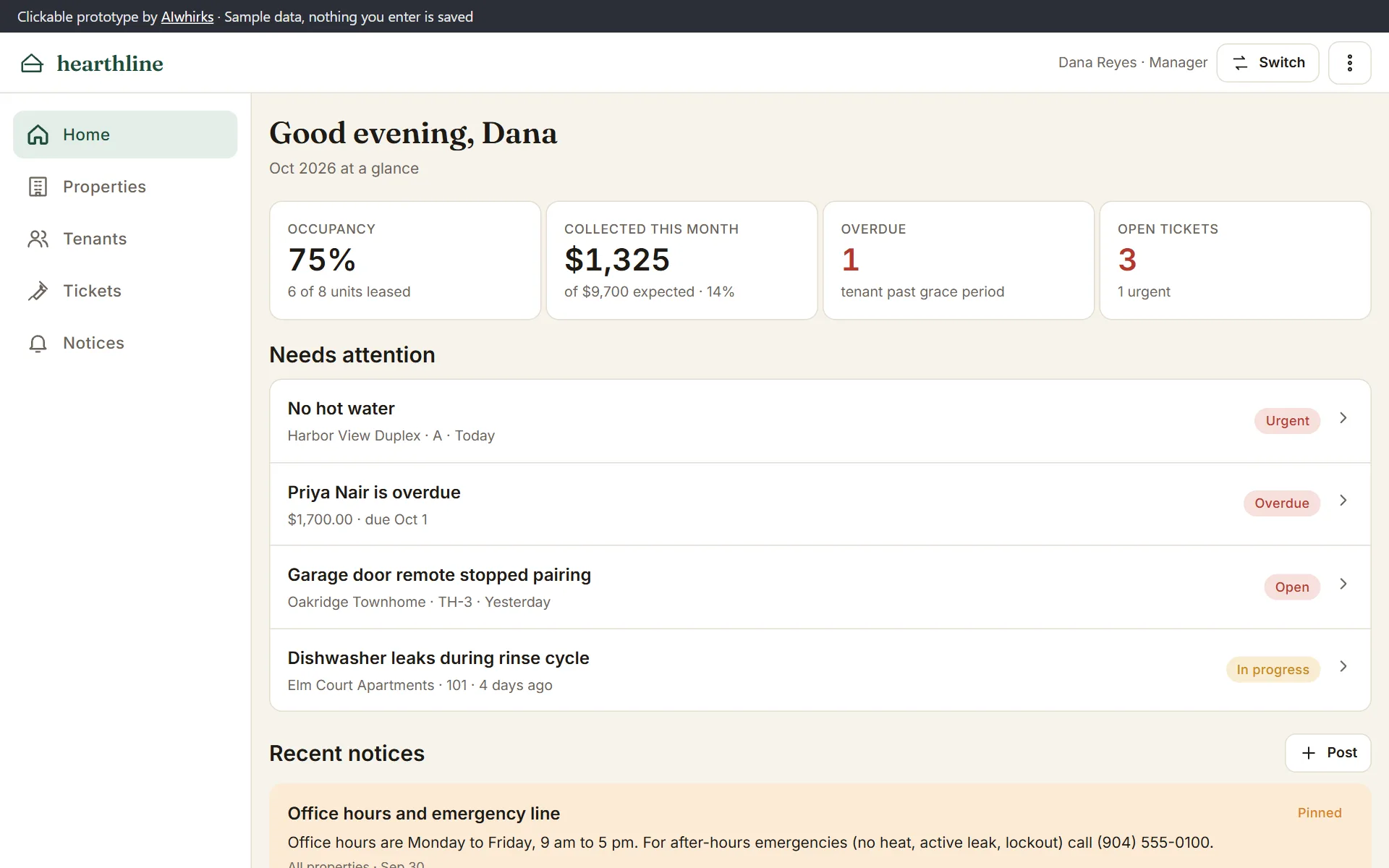
Hearthline

Managers track rent, units, tenants and repair tickets in one place. Tenants pay rent, report problems and find their lease from their phones.

Sign in as
  • Property manager Rent, properties, tenants, tickets
  • Tenant Balance, pay rent, requests, docs
Why it comes first

Settle the product before the code

You react to screens, not specs

It's easier to spot what's wrong on a screen than in a document. Problems show up in the first weeks, not after launch.

Everyone checks their own side

Customers, staff, and admins each get a login, so each group tests the part they will actually use.

The build has a fixed target

Once you sign off, the prototype is the spec. What ships matches what you clicked through.

Why this beats specs, wireframes and mockups, and how a prototype becomes the build: Clickable prototypes: try your web app before it's built →

Tell me what your app needs to do.

A sentence or two is enough. If it's a fit, a prototype like these is usually the first thing you'll see.

Let's Talk →